Every one of these platforms has already settled who reads your docs. Where they split is who writes them, who approves the writing, and what you can see after it ships.
A note on who's writing: we're ReadMe, and we're one of the seven alternatives here. If you want the short version of where we think each platform fits, including the cases where we'd send you elsewhere, skip to "Which one should you choose."
TLDR: The seven credible Mintlify alternatives in 2026 are ReadMe, Fern, Scalar, Redocly, GitBook, Bump.sh, and Docusaurus. Which one is best depends on what you are willing to hand over: how much of the writing you automate, who approves it before it publishes, and what you can see after it ships. That last one is where the field thins out. ReadMe is the only platform here that ties API requests to the individual developer who made them, rather than reporting docs traffic alone. Every fact below was checked on each vendor's own documentation and live pricing pages, dated inline.
Every vendor already agrees about the audience
Open each platform's own documentation and read what they chose to put at the top.
GitBook's docs open with "Your users are humans and their AI agents," and split into three ways to work: in the editor, from your agent, with code. Scalar's docs overview is illustrated with a cover reading "For Agents & Humans," and MCP & Agent sits in the product list above API References. Bump.sh gives MCP servers a top-level sidebar section. Redocly's sidebar has an entry called "Make docs AI ready." Mintlify's pricing page closes with "The knowledge platform built for agents."
Every one of these platforms except Docusaurus now publishes an MCP server, and every one except Bump.sh and Docusaurus serves llms.txt or Markdown versions of its pages. The category has settled the question of who reads your docs.
Who writes them, and who approves the writing, is where these platforms actually diverge.
Capabilities at a glance
Checked on each vendor's own documentation, September 21, 2026.
The last column is the one that surprises people. Six of these platforms report on your documentation traffic. None of them except ReadMe report on your API traffic, tied to the developer who made the call. That is not a gap we inferred from marketing; it is an absence on each vendor's own analytics documentation.
Pricing at a glance
ReadMe pricing from readme.com/pricing, competitor pricing from each vendor's own page, all checked September 21, 2026. This category has been repricing roughly monthly, so verify before you quote it.
The platforms, in detail
Each section opens with the platform's own thesis in one sentence, then the details and tradeoffs underneath it.
ReadMe
ReadMe is built for API teams who want a Git-native workflow that doesn't require every contributor to live in Git, plus a per-developer view of every API call, not just how many people read about it.
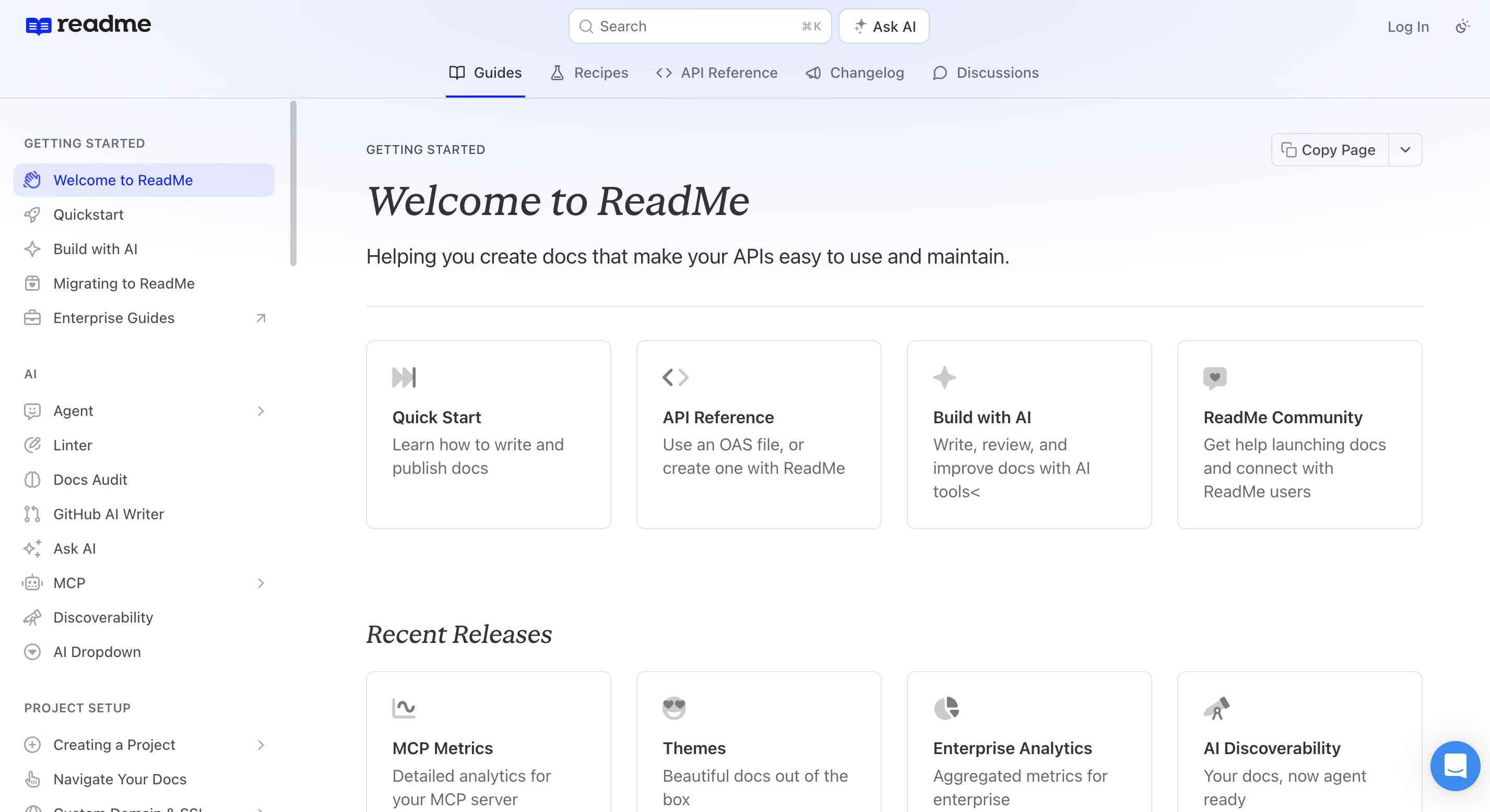
Interactive reference and per-developer API data
The interactive reference is Try It!, which makes real authenticated calls including full OAuth flows, so a developer gets a live response rather than a copyable snippet. Underneath it, My Developers connects a developer profile to the actual requests that developer made, filterable by API key, email, company, endpoint, method, and status code, with replay for debugging one specific person's integration. My Requests shows each of your users their own call history inside your hub, including calls they made outside ReadMe entirely. That requires an OpenAPI file, the Metrics SDK in your backend, and JWT auth for your hub.
Dual workflows and bi-directional sync
Neither half of your team has to adopt the other's tools. Writers, support engineers, and product managers work in the ReadMe dashboard with branches, reviews, guides, recipes, changelogs, and discussions. Developers work in GitHub or GitLab, because Bi-directional sync is genuinely two-way: edits in the ReadMe editor sync out to the repo, commits in the repo sync back in, and every content type moves, including guides, API reference pages, custom pages, recipes, and changelogs. We rebuilt ReadMe's backend on Git to make that work, rather than bolting sync onto a database. The ReadMe CLI covers CI publishing from Bitbucket Pipelines, CircleCI, GitLab CI, and Travis. Versions are semver-named and forkable, with Starter capped at one and Pro upward unlimited. LLMs.txt is on every plan including free.
MCP servers
There are two MCP servers worth keeping straight. The MCP Server you publish for your readers lives at your hub's /mcp path, ships on every plan at no extra cost for its OpenAPI tools, and lets your customers' agents list endpoints, inspect schemas, and make live calls. The one your own team uses is ReadMe's MCP server at docs.readme.com/mcp, which you point Claude Code, Cursor, or Windsurf at with a ReadMe API key. That connection is read/write: search and fetch pull your existing pages into the agent's context, update-docs starts a documentation update, and draft-changelog generates a changelog entry from merged PRs or git history. Writing docs from the terminal you already have open is a third authoring path alongside the dashboard and the repo.
AI authoring and the branch-review tradeoff
On AI, GitHub AI Writer watches your pull requests and, when a code change affects docs, creates a review branch in ReadMe and comments on the GitHub PR with a preview link. The Agent drafts and rewrites, the AI Linter scores pages against your style guide, and AI Branch Reviews run the linter when a branch is marked ready. Nothing publishes until a person merges the branch.
Name the tradeoff plainly: that review happens in ReadMe's branch model, not as a pull request in your docs repo. Your documentation diff is reviewed next to your other documentation, not next to the code change that caused it. If your team's entire review culture lives in GitHub, that is a real adjustment, and Fern's PR-only model will feel more natural.
Pricing and data retention
The other honest limit is data retention. Every plan, Starter through Enterprise, includes 24 hours of API request history. Thirty days in the dashboard and a year of exportable history require the extended history and logs add-on at $100/mo. If the request analytics are why you are here, price that in.
Pro is $250/mo billed annually, one project, five admins, $20/mo per admin after that. Ask AI Lite is included on Pro and runs the same model the add-on does. The Ask AI add-on is $150/mo on any tier, and what it buys is customization, analytics, and the Ask AI API, rather than better answers. Enterprise is custom and annual, adding SSO, audit logs, merge restrictions, Docs Audit, Private AI Context, and Global Lint Rules. From readme.com/pricing, checked September 21, 2026.
Mintlify
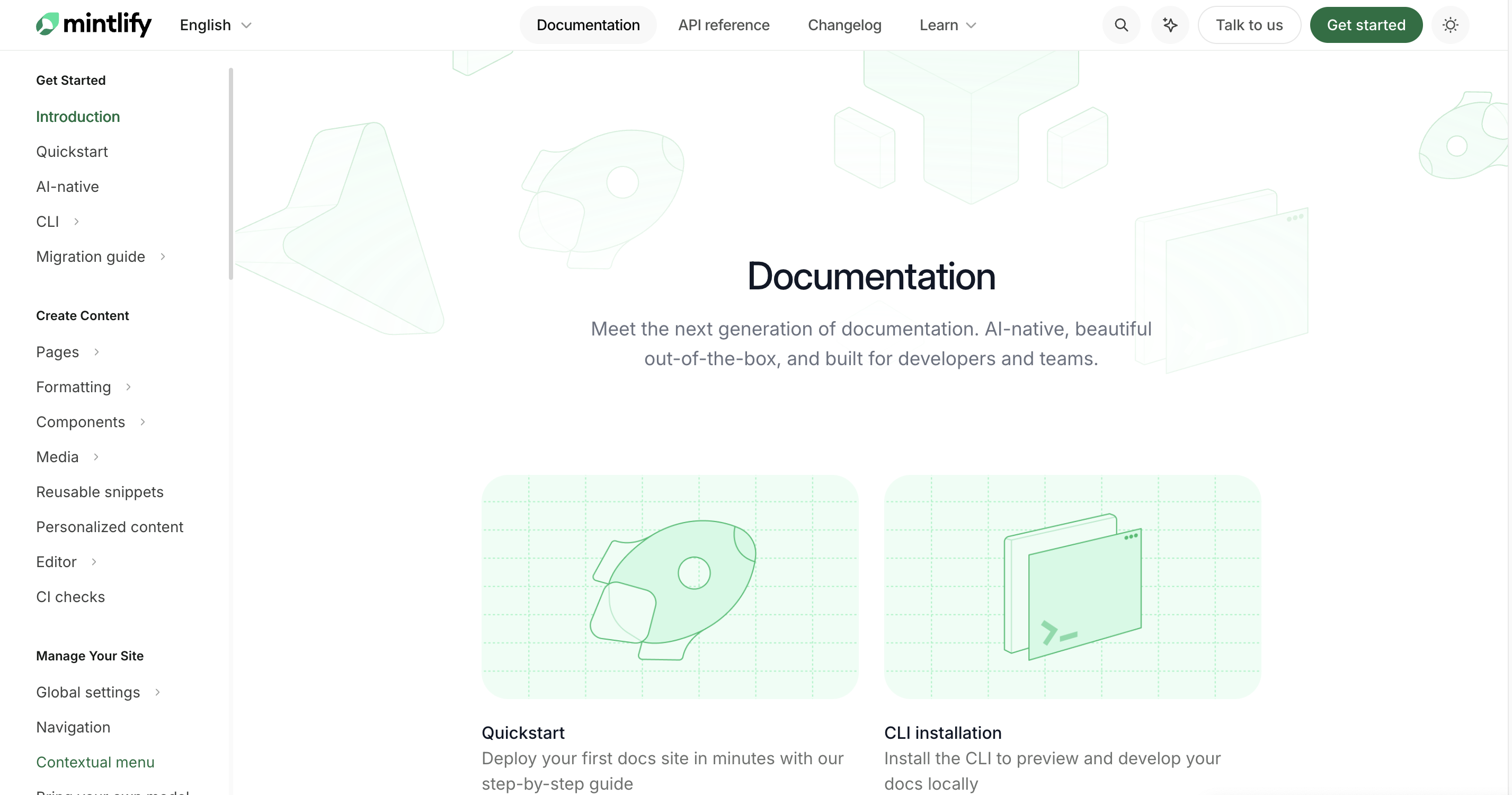
Mintlify is built for teams who want a polished MDX documentation site that lives in their Git pipeline, with automations that can publish updates without a review step, when a team enables that workflow.
Core platform capabilities
The API playground routes requests through Mintlify's proxy by default or sends them directly from the browser, supporting API key, Bearer, and Basic auth from your OpenAPI file. Git integration covers GitHub through the Mintlify GitHub App and GitLab for deployments and merge-request previews. Versions are a versions array in docs.json rendered as a dropdown. The analytics dashboard reports visitors, page views, assistant conversations, searches, and feedback, and it separates human traffic from AI agents including ChatGPT, Claude, and Cursor, with CSV export. An MCP server is hosted at your site's /mcp path on every plan including free, alongside llms.txt and Markdown at any page URL with .md appended.
AI authoring and the Review process setting
The AI is the most configurable in this comparison, and the most worth understanding before you buy. The agent has a setting called Review process with two options: "Create a pull request," which commits to a new branch and opens a PR against your deploy branch, or "Push to main," which commits directly and publishes as soon as the agent finishes. Two qualifiers from Mintlify's own documentation. Branch protection wins: if your rules block direct pushes, the agent opens a pull request regardless of the setting. And when Mintlify hosts your deployment rather than your own Git provider, the agent commits directly and publishes immediately, with no Review process setting offered.
For a changelog that regenerates nightly or a reference tracking a spec nobody hand-edits, "Push to main" is the correct setting and you should turn it on. The thing to know is that the Mintlify-hosted path takes the choice away, so if review matters to you, bring your own Git provider and set branch protection.
Mintlify does not generate SDKs. Its docs point you to Speakeasy for that and ingest the snippets. It generates code samples in 18 languages, which is a different thing.
The workflow tradeoff
The workflow question is the one to sit with longest. Mintlify's model assumes your documentation lives in MDX in a repository, which is exactly right for teams whose contributors all work that way. If your writers, support engineers, and product managers do not, they inherit a Git workflow to participate.
If Mintlify and ReadMe are the only two on your list, we wrote that comparison on its own.
Pricing
Starter is free with five editor seats and no AI credits at all. Pro is $450/mo annual or $540 monthly with unlimited editor seats and 10,000 credits. An assistant answer costs 25 credits, an automation doc update costs 250, and you are not charged when the assistant cannot answer or the automation finds nothing. Overage is a cent per credit, up to half of unused credits roll over, and packs run $145 for 15,000 up to $800 for 90,000. Ten thousand credits is roughly 400 answered questions, or 40 automated doc updates, or a mix. From mintlify.com/pricing and their credits documentation, checked September 21, 2026.
Fern
Fern is built for API-first teams who need client SDKs and documentation generated from one definition, and it is the only platform here where the SDKs are the main event.
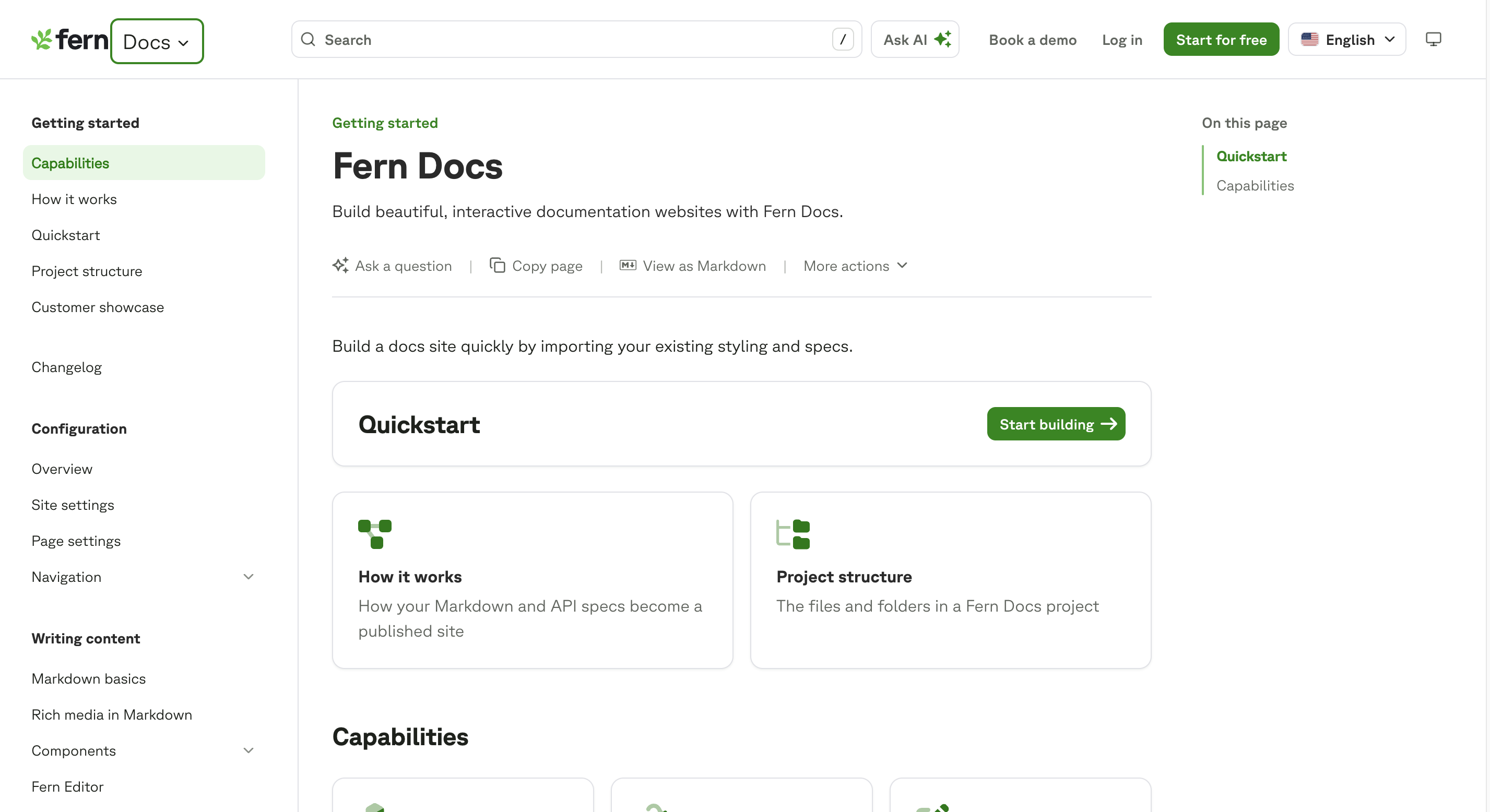
SDK language coverage
Fern generates client libraries across TypeScript, Python, Go, Java, .NET, PHP, Ruby, Swift, and Rust. Worth knowing before you quote a number: Fern's homepage says seven languages, their SDK docs list nine, and their GitHub README names seven in prose while its table lists nine. Ask them which is current rather than trusting any one page.
Core platform capabilities
The API Explorer sends real requests with prefilled auth. Documentation lives in a GitHub repo, with the Fern GitHub App reading current state into the browser editor and opening a pull request when you submit. Versions live in a versions folder with the first entry as default. Reader authentication covers password, SSO, JWT, and OAuth, with RBAC on the latter three and API key injection on JWT and OAuth. Ask Fern reports conversations per day, drill-down into individual conversations, CSV export, and a resolution rate measuring how often it returned a cited answer. A private per-organization MCP server exposes those reader signals to your own agents.
AI authoring and the GitHub-only constraint
On AI authoring, Fern is the strictest here and deliberately so. Fern Agent ships docs pull requests from the dashboard, Slack, or MCP. Fern Writer, powered by Devin, creates a pull request and replies with a link, with commits signed and attributed to fern-support. There is no direct-commit mode and no setting to enable one. If you want AI writing docs but never publishing them, Fern's model is the cleanest in this comparison, and it is cleaner than ours because the review happens as a PR in your repo.
The constraint that comes with it: agent editing requires GitHub. GitLab and other providers are not supported, which their own documentation states plainly.
Ownership
Fern was acquired by Postman, announced January 7, 2026, and its footer reads "a Postman company." Whether that reads as stability or as roadmap risk is a fair question to put to them directly.
If Fern and ReadMe are the only two on your list, we wrote that comparison on its own.
Pricing
Pricing restructured this year. Free covers 10 team members, 1,000 pages, 250 AI credits a month, and 2,000 page generations; Ask Fern costs 2 credits per message and a Slack docs update costs 50. Enterprise is custom and adds SSO, SCIM, advanced RBAC, multiple repos, and self-hosting. A "Postman Customer" toggle doubles free credits to 500. The $150/mo Team tier that existed earlier in 2026 is gone. From buildwithfern.com/pricing, checked September 21, 2026.
Scalar
Scalar is built for engineering teams that want a reference, an API client, and an MCP server generated from one OpenAPI file, without adopting a documentation suite.
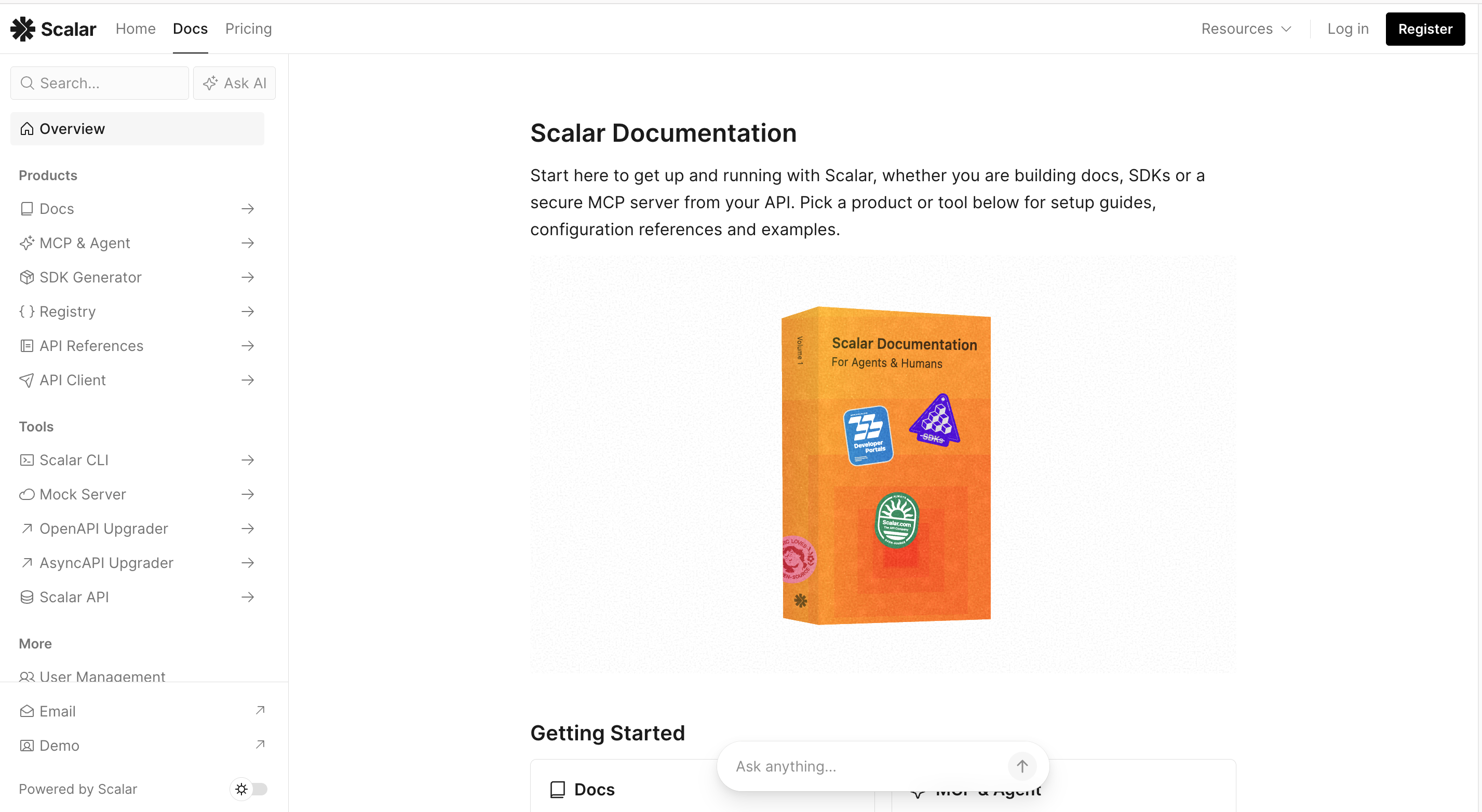
Core platform capabilities
The Test Request feature sends live calls, with a configurable proxy for cross-origin requests and optional persistence of auth state. The standalone API Client is MIT-licensed open source and genuinely good on its own. The SDK generator covers 14 targets, though only TypeScript, Python, Go, and a CLI target are generally available and the other ten are marked experimental on Scalar's own site. Every published site serves /llms.txt, /llms-full.txt, and Markdown at .md URLs automatically, with an MCP server at /mcp. Versions are a versions object in scalar.config.json. Access groups gate private docs by domain or specific emails, and SSO covers Auth0, Google, Microsoft Entra ID, Okta, OneLogin, and Ping Identity.
AI authoring and things to verify before you buy
Two things to check before you commit. Scalar's own documentation says SSO and SAML require Enterprise, while the pricing page lists SSO under Business at $600/mo. And "Agent Scalar," the thing metered as credits on the pricing page, is not a docs writer at all: it is an API-to-LLM gateway that exposes your OpenAPI as an MCP server with delegated auth. The AI that writes Scalar docs is Agent Skills, which arms your own coding agent with a Scalar skill. Whatever writes, it lands through the GitHub App, which holds scope to write both commits and pull requests, and there is no documented setting to force pull-request-only.
Analytics
The genuine gap is analytics, and Scalar is upfront about it as a privacy position: no third-party analytics scripts, no tracking cookies on custom domains, no fingerprinting. There is no analytics surface in Scalar's documentation at all. You bring your own via custom HTML and JS. If you value that stance, it is a feature. If you need to know what your docs are doing, it is a hole you fill yourself.
Pricing
Free covers 1 seat, 3 APIs, and 1 SDK up to 25 endpoints. Pro is $150/mo, or $125 billed annually, for 5 seats, 15 APIs, and SDKs up to 100 endpoints. Business is $600/mo for 10 seats and 25 APIs. Additional SDKs cost $150 or $600 a month depending on tier. Note that Scalar's agent pricing page describes a Pro plan at $24/seat/mo with a three-seat minimum, which does not match the $150 on the pricing page, so get a current quote rather than trusting either. From scalar.com/pricing, checked September 21, 2026.
Redocly
Redocly is built for organizations governing many APIs across many versions, where a bad spec reaching the reference is the failure mode that matters.
Product suite and governance tools
The product splits into Redoc for the reference and mock server, Revel for the external portal, Reef for the internal catalog, and Realm as the engine bundling all three. Reef's API Catalog, Scorecard, and API Scout find hidden, underused, or duplicate APIs across your codebase. Scorecard lets you define rule sets and grade API descriptions against tiers you extend from Redocly's own recommended and minimal sets. Linting, bundling, and splitting multi-file specs run through the open-source Redocly CLI in CI, so a failing spec breaks the build rather than reaching production.
Core platform capabilities
Replay makes live calls from the reference with saved requests, history, and environments, pointed at your live servers, a built-in mock server, or another environment. Git integration is the broadest here: GitHub, GitLab including self-managed, Azure DevOps, and Bitbucket Cloud, and it is explicitly bidirectional. Versions are folder-based, prefixed with @. RBAC runs six roles with teams sourced from your SSO provider. Redocly automatically generates MCP servers from your docs and OpenAPI descriptions, with RBAC governing what each client can read and an optional unauthenticated /mcp-public endpoint.
AI authoring
On AI authoring, be accurate about where they are. Redocly ships no AI that writes or edits your documentation today. aiAssistant is a reader-facing Ask AI that indexes and searches your project, with no write path. An authoring agent called Writer, which would watch search queries, feedback, and support questions to find gaps and open pull requests with fixes, appears in the "what's next" half of Redocly's own summer 2026 post rather than the shipped half. Their published stance on AI review is "AI suggests; humans decide." Given how fast this category moves, check whether Writer has shipped by the time you read this.
Analytics
Analytics is Enterprise-tier and reports page views, search queries including zero-result searches, and AI Assistant conversations.
Pricing
Pro is $10/seat/mo with one project and 100 pages. Enterprise is $24/seat/mo with 500 pages, SSO, RBAC, AI search, and MCP servers. Revel or Reef add $10 or $24 per seat depending on tier; Realm adds $18 or $42. The page caps are the constraint to check first, because 100 pages is low for a real developer portal. From redocly.com/pricing, checked September 21, 2026.
GitBook
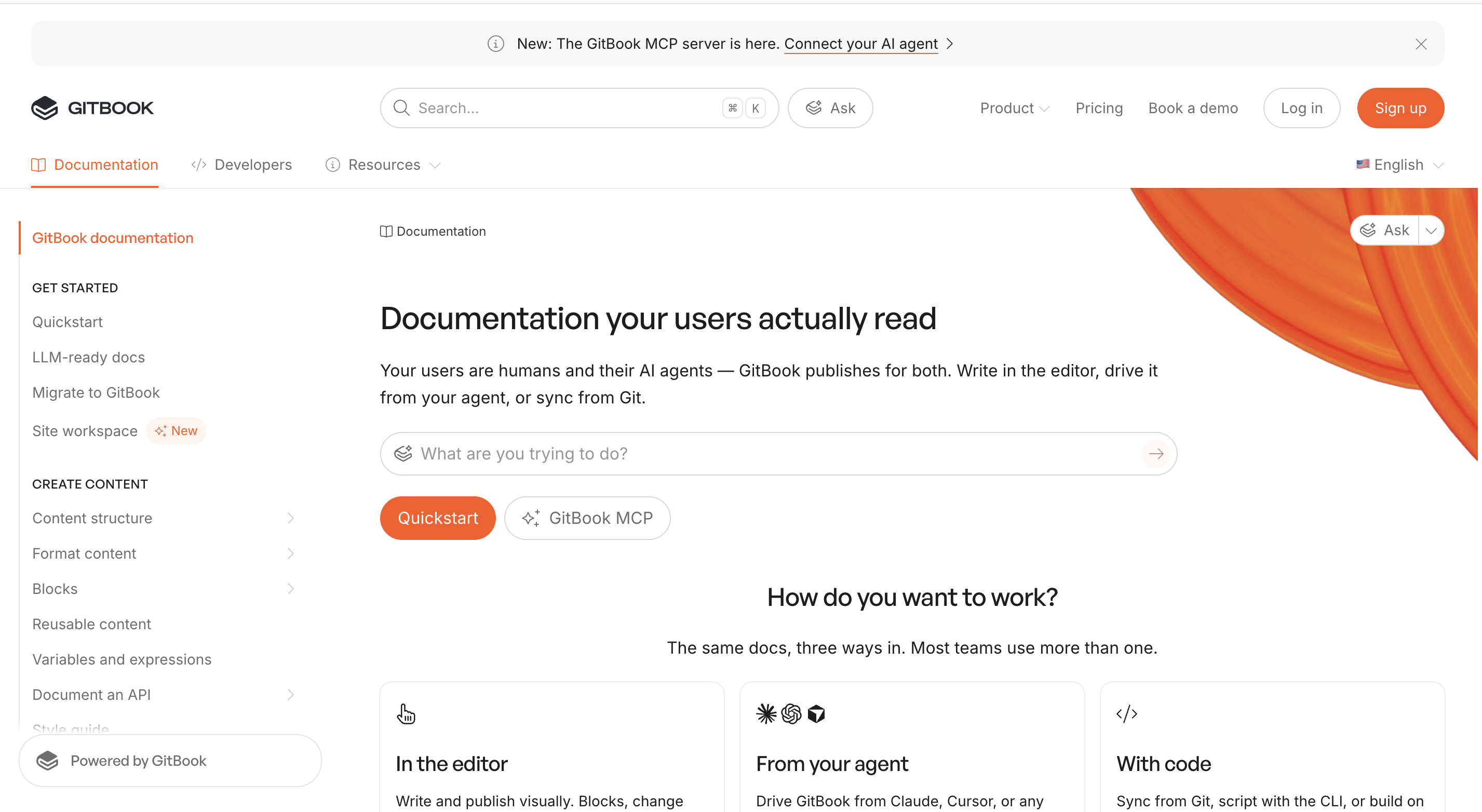
GitBook is built for organizations where product documentation, internal knowledge, and an API reference live in one workspace and writers outnumber engineers.
Git Sync and the API reference
Git Sync is explicitly bidirectional with GitHub and GitLab: changes in GitBook's editor sync out, commits in the repo sync in, with pull request previews on GitHub. The OpenAPI block supports Swagger 2.0 and OpenAPI 3.0 and 3.1 including webhooks, with a Test it feature powered by Scalar. If GitBook is also on your list, we wrote that comparison separately.
Analytics
Site Insights is the broadest analytics in this comparison. It reports traffic, page ratings and feedback, an Agent and LLMs category measuring requests to llms.txt, llms-full.txt, and Markdown pages, search keywords, Ask AI questions and answer ratings, outbound link engagement, OpenAPI endpoint views and request explorations, and MCP access patterns, filterable by location, device, browser, language, and authenticated status. The time range caps at three months. AI Insights on Ultimate estimates effort saved and reports which questions went unanswered.
AI authoring
GitBook Agent opens a change request and works inside it, and you can edit alongside it or @-mention it in a block comment. It can also serve as a reviewer on a change request, checking spelling, grammar, style, accuracy, and clarity against your published site and style guide. It cannot publish: a human merges the change request. There is no documented push-to-main equivalent. Automatic unprompted improvement suggestions exist but are in early access.
Versions and authenticated access
Versions are handled as variants within one site, with a picker at the top of the table of contents. Authenticated access supports Okta, Azure, and Auth0 or your own auth server, on Ultimate and Enterprise. SAML SSO is Enterprise only.
Pricing
The pricing model is the thing to model carefully, because it charges on two axes. Free covers one user. Premium is $65/site/mo plus $12/user/mo; Ultimate is $249/site/mo plus $12/user/mo; both annual. A company with four products and fifteen contributors is paying four site fees and fifteen user fees. The Agent is capped at 10 messages per week on Free, the Assistant is Ultimate-only with a 500-answer soft limit, and translations run $25 for the first 50,000 words then $0.20 per 1,000. From gitbook.com/pricing, checked September 21, 2026.
Bump.sh
Bump.sh is built for contract-first teams who treat the API definition as the source of truth and want every change diffed before it ships.
Changelogs and diffs
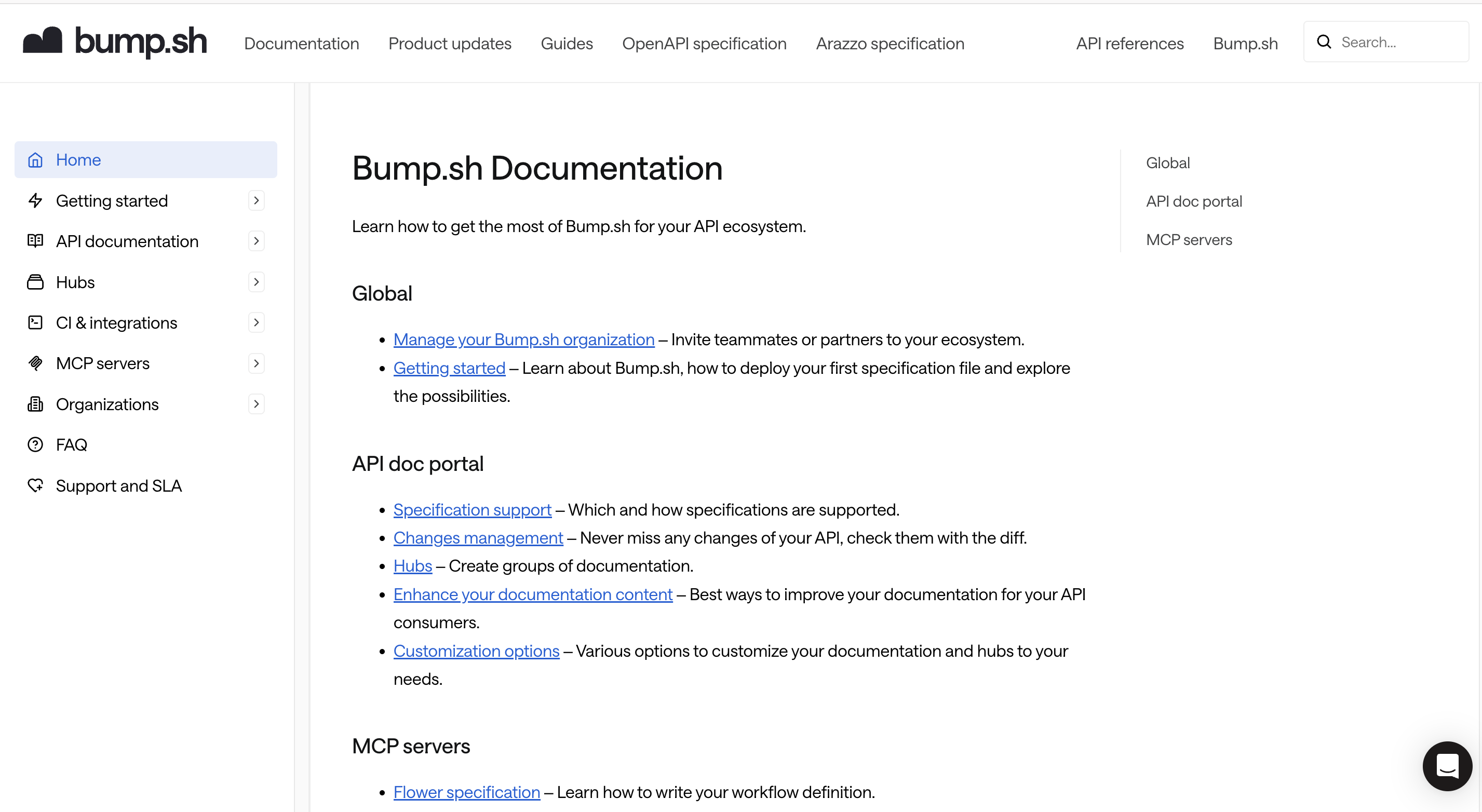
The changelog is the product's center of gravity. Each new release automatically updates a changelog telling your consumers what changed, with breaking changes detected and surfaced in red at the top of the entry, and additions, modifications, and deletions color-coded. Diffs also post onto pull requests through CI. Supported specs are OpenAPI, AsyncAPI, and Arazzo, plus overlays, which makes it the strongest option here for event-driven APIs.
MCP and workflows
MCP is the other half and it is unusually deliberate. You declare workflows in a document rather than exposing raw endpoints, using Bump.sh's own Flower spec or the OpenAPI Initiative's Arazzo standard, supporting multi-step sequences, conditional logic, runtime expressions, and secrets. Execution runs through an isolated data plane so agents never hit your API directly. The API Explorer makes live calls with Basic, Bearer, API key, or partial OAuth2 support, keeping credentials in browser local storage and out of shareable URLs.
Git integration and versioning
Git integration is one-way, repo to Bump.sh, via GitHub Actions, Azure DevOps, CircleCI, GitLab CI, Travis, the CLI, or the API. That is CI deployment rather than sync, which fits a contract-first workflow but means no web editing round-trip. Versioning uses parallel branches with independent changelogs. Private docs require reader authentication and are not indexed; SSO and SCIM are Custom-tier only, built on WorkOS.
AI authoring
Bump.sh has no AI that writes documentation and does not claim any. Workflow inference from your API surface is labeled "Soon" on their own site.
Pricing
One thing a buyer cannot currently do from published information: size an MCP plan. Basic includes 5 MCP tools and Pro includes 50, but nowhere on their site is "one MCP tool" defined. The workflow model implies one workflow equals one tool, but they never say it.
Basic is $50/mo for 10 API docs, 3 internal users, and 20 external guests. Pro is $120/mo for 30 API docs, 5 internal users, 40 guests, branches, the API Explorer, private MCP servers, full CI, rollback, and automatic changelog. Custom adds SSO, on-premise MCP, SLA, and unlimited users. The internal seat caps are tight; check them against your team before anything else. Open-source projects can apply for free Pro. From bump.sh/pricing, checked September 21, 2026.
Docusaurus
Docusaurus is built for teams with the frontend capacity to own their entire documentation stack, and it is very good at exactly that.
Core platform capabilities
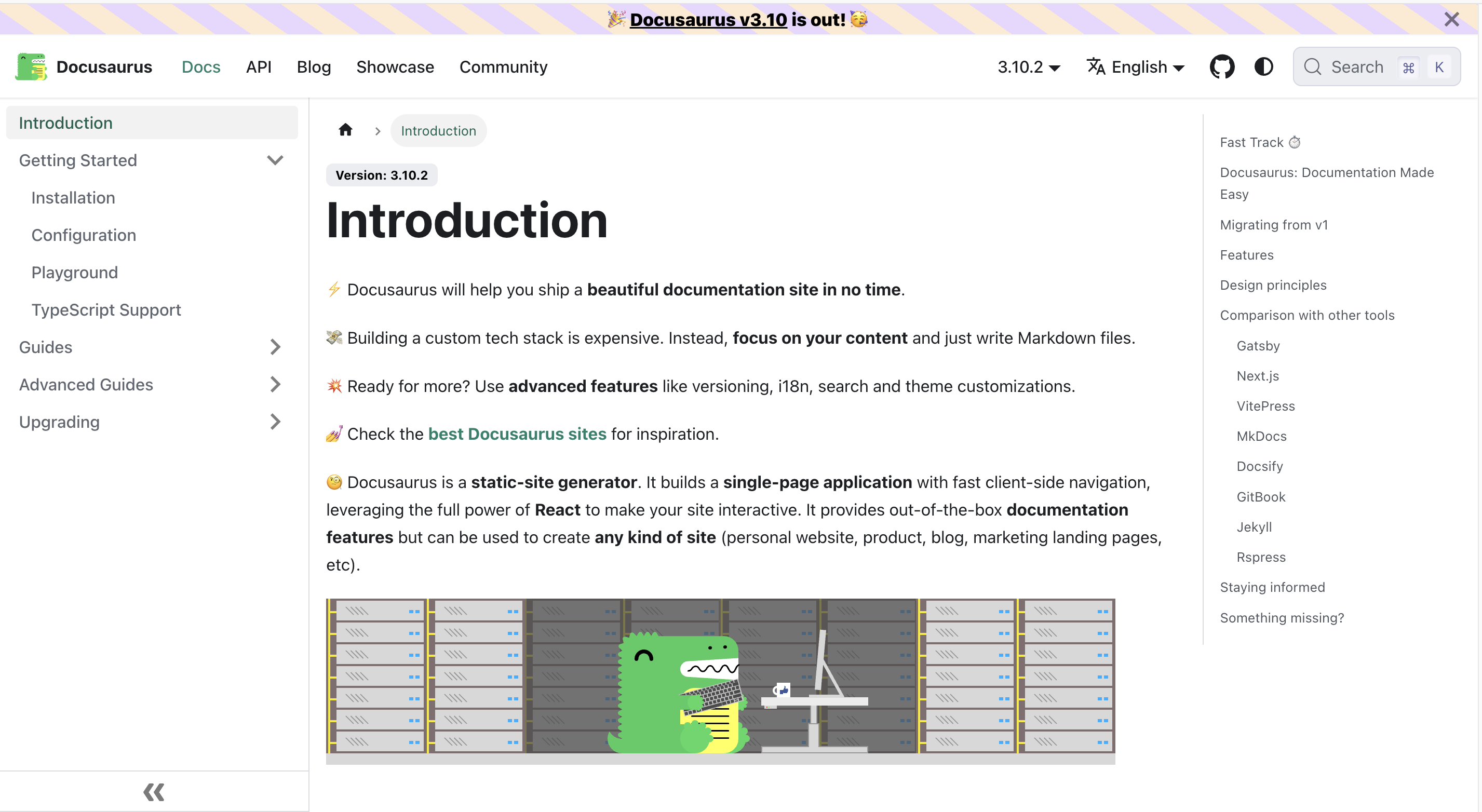
It is React and MDX, MIT licensed, maintained by Meta, currently at 3.10.2 from the 3.10 line released April 7, 2026 and announced as the last of the v3 series before v4. Versioning is native and free, snapshotting docs/ into versioned_docs/, with their own guidance to keep the count below ten. Algolia DocSearch has first-class support.
What you have to build yourself
Everything else is yours. There is no OpenAPI support in core; interactive references come from community plugins, principally docusaurus-openapi-docs and redocusaurus. There is no authentication, SSO, RBAC, or audit logging, because the output is static files. There is no analytics beyond pass-through plugins for Google Analytics and Tag Manager. There is no MCP server, no llms.txt generation, and no AI authoring of any kind; the 3.10 notes mention AI only as a contribution disclosure policy. And Docusaurus emits static files into build and stops, so hosting is a decision you make and maintain.
The search caveat
Worth naming precisely, because the marketing blurs it: "your full site is searchable" describes first-class support for Algolia, an external service, not search that Docusaurus runs.
Zudoku, a newer alternative
Zudoku, from Zuplo, is the newer open-source option aimed squarely at OpenAPI, generating references with an interactive playground and built-in auth from v2 and v3 schemas, deployable as a static site.
The honest tradeoff
The honest version of this option: it is the cheapest line item and often the most expensive quarter. If a frontend engineer wants this and your docs surface changes slowly, self-hosting is defensible and sometimes correct. If nobody owns it by name, the site is stale in six months and search is broken in nine.
Which one should you choose
Mintlify is likely the right fit if your editing team is larger than your AI usage, since unlimited seats at a flat $450/mo beats per-seat pricing once your team passes about fifteen admins, and your assistant volume sits under a few hundred answers a month. It also fits teams fluent in MDX and Git who want a fast, polished reference without governance overhead, and teams whose surface is small enough that free Starter covers it.
ReadMe is likely the right fit if you want a Git-native workflow without being locked into one. Push only from Git if that suits your team, or work in the dashboard, which runs the same branches, reviews and publishing rather than a cut-down version, so nobody is shut out of the docs when strategy shifts or business stakeholders get involved. On AI, Ask AI Lite is included on Pro at $250/mo, and the add-on buys customization, analytics and API access rather than better answers.
If SDK generation is the actual problem, go to Fern. If you want a reference and an open-source API client generated from one spec, without adopting a docs suite, go to Scalar. If governing many specs is the actual problem, go to Redocly. If your docs are mostly product knowledge with an API section attached, go to GitBook. If your API is event-driven or contract-first, go to Bump.sh. If you have the engineers and want to own everything, go to Docusaurus. Those are not consolation prizes.
What switching actually costs
Markdown, MDX, and OpenAPI files move cleanly. Everything built with a platform's proprietary components does not.
Custom MDX components written against Mintlify's component library need rebuilding against MDX-ish on ReadMe. Navigation defined in docs.json gets remapped rather than imported. URL structure almost never survives a platform move intact, so a 301 map is not optional, and it is the piece teams most often discover after launch when a top-ranking page starts returning 404s.
Budget for the redirect map and the component rebuild specifically. Content transfer is the easy half. Our enterprise migration guide covers the redirect map and the information-architecture work, which is the part that actually takes the time.
FAQs
These are the questions teams ask once they are down to a shortlist, and each answer stands on its own.
Which Mintlify alternatives let AI publish documentation without human review?
Mintlify itself, via the Review process setting's "Push to main" option, and automatically on Mintlify-hosted deployments where that setting is not offered. Scalar's GitHub App holds scope for direct commits with no documented review gate. ReadMe, Fern, and GitBook all require a human merge. Redocly, Bump.sh, and Docusaurus have no AI authoring to review. Checked on each vendor's documentation September 21, 2026.
Which alternative lets non-developers and developers work in their own tools?
ReadMe. Non-developers work in the ReadMe dashboard, developers work in GitHub or GitLab, and Bi-directional sync keeps both in sync across guides, API reference pages, custom pages, recipes, and changelogs. Developers who prefer to stay in their editor get a third option: ReadMe's MCP server connects Claude Code, Cursor, or Windsurf to the same docs with read/write access. GitBook also syncs bidirectionally with GitHub and GitLab. The rest of this list expects your documentation workflow to center on a repository.
Can I move MDX files and OpenAPI specs straight from Mintlify to ReadMe?
OpenAPI 3.0 and 3.1 specs ingest directly. Markdown and MDX move through Bi-directional sync with GitHub or GitLab, the ReadMe Importer, or the ReadMe CLI. Components written against Mintlify's library are the exception and need rebuilding.
Is ReadMe's Git sync one-way or two-way?
Two-way, and has been since ReadMe rebuilt its backend on Git. Bi-directional sync moves edits from the ReadMe editor out to GitHub or GitLab and pulls commits from the repo back in, across guides, API reference pages, custom pages, recipes, and changelogs — not a one-way push in either direction. Older comparison content elsewhere on the web still describes ReadMe's Git integration as one-way; that stopped being accurate once Bi-directional sync shipped. Checked against readme.com/blog/committing-to-git and docs.readme.com, September 21, 2026.
Is ReadMe Git-native?
Optionally, not exclusively, and that's deliberate. Developers can work entirely in GitHub or GitLab through Bi-directional sync and the ReadMe CLI, the same Git-native workflow Mintlify and Fern assume. Writers, support engineers, and product managers who don't live in Git get a dashboard that edits the same underlying docs instead of inheriting one. Claims that ReadMe is "not fully Git-native" predate Bi-directional sync and describe an earlier version of the product.
What is the cheapest Mintlify alternative?
Docusaurus and Zudoku, if you count only the invoice. Fern's free plan is the most generous hosted option at 10 members and 1,000 pages. ReadMe is the cheapest hosted option with per-developer analytics: its Pro plan undercuts Mintlify's flat $450/mo for any team under about fifteen admins. The real comparison is total cost including the engineering hours self-hosting consumes, and no independent study of that number exists, so anyone quoting you one is guessing.
Which alternatives support MCP servers?
All of them except Docusaurus. ReadMe ships an MCP Server on every plan including free for your readers, and a separate MCP server at docs.readme.com/mcp that gives your own coding agent read/write access to your docs, including update-docs and draft-changelog. Mintlify hosts one at your site's /mcp path on Starter. GitBook includes one on every published site. Scalar serves one at /mcp. Fern includes one on its free plan. Bump.sh builds MCP servers from declared workflows on every tier. Redocly gates MCP servers to Enterprise.
Which platform gives me analytics on my API traffic rather than only my docs traffic?
Only ReadMe, among these platforms. My Developers and Real-Time API Logs tie requests to identified developers, which requires the Metrics SDK in your backend. Mintlify, GitBook, Redocly, Fern, and Scalar report on documentation traffic; Scalar reports nothing by design. Note ReadMe's retention: 24 hours on every plan, extended to 30 days and a year of exports with the $100/mo add-on.
What you hand over, and what you keep
Four of these platforms will write documentation for you. They differ on what happens between the agent finishing and your customers reading.
How each platform gates AI-written docs
Mintlify makes it a setting, and for a changelog that regenerates nightly, "Push to main" is the correct choice. Fern refuses the question: every AI change arrives as a pull request in your repo, with no direct-commit mode at all, which is stricter than ReadMe. GitBook routes agent work into a change request a person merges. Redocly, Bump.sh, and Docusaurus have no AI authoring to gate.
ReadMe's approach
ReadMe spent its engineering on making review cheap enough that keeping it costs you almost nothing. The Agent and GitHub AI Writer do the writing and open the branch. The MCP Server at docs.readme.com/mcp extends that to whatever agent you already code in: Claude Code, Cursor, or Windsurf can search your hub, pull a page into context, run update-docs against it, and draft a changelog from merged PRs, without anyone opening a browser tab. The AI Linter catches style and accuracy problems before a person opens it. AI Branch Reviews run automatically when a branch is marked ready. Docs Audit scores the whole hub. What is left for the person is a decision rather than a copy edit, which is the only part of this a person was ever better at.
That trade costs something, twice over. If nobody reviews for a week, nothing ships for a week. And the review happens in ReadMe rather than as a pull request beside the code change that caused it, which Fern does better.
Two things ReadMe has that the rest of this list does not.
Dual workflows
You never have to choose whose workflow wins. Your developers get a real Git workflow with two-way sync and an MCP connection into the editor they already use; your writers and support engineers get a dashboard built for them; every one of those paths edits the same docs. Every other platform here is either repo-first or editor-first, and somebody on your team pays for that choice every week.
The other half of the loop
Every platform here can tell you a page was viewed. Only ReadMe can tell you which developer read it, what they called next, and what came back. That is the difference between knowing your docs are popular and knowing they worked.
The bottom line
So the real question is what you want your documentation platform to be fastest at. Publishing without you, or showing you whether what it published actually worked.
Every platform here can do the first. ReadMe is built around the second, which makes it the better choice if your API is something people integrate against rather than just read about. Get started for free and point it at your spec.
Worried about the effort? Migrating to ReadMe breaks down the process, and our support team will help you through it. Moving a large hub? On Enterprise, our professional services team manages the entire move for you. Book a demo and we will scope it against your hub.

