Docs
Corners
Everything to Build Great Docs
Corners
The Full Documentation Stack
Background
Turn docs
into
Build docs
loved by
developers

and understood by AI
docs
Assistant
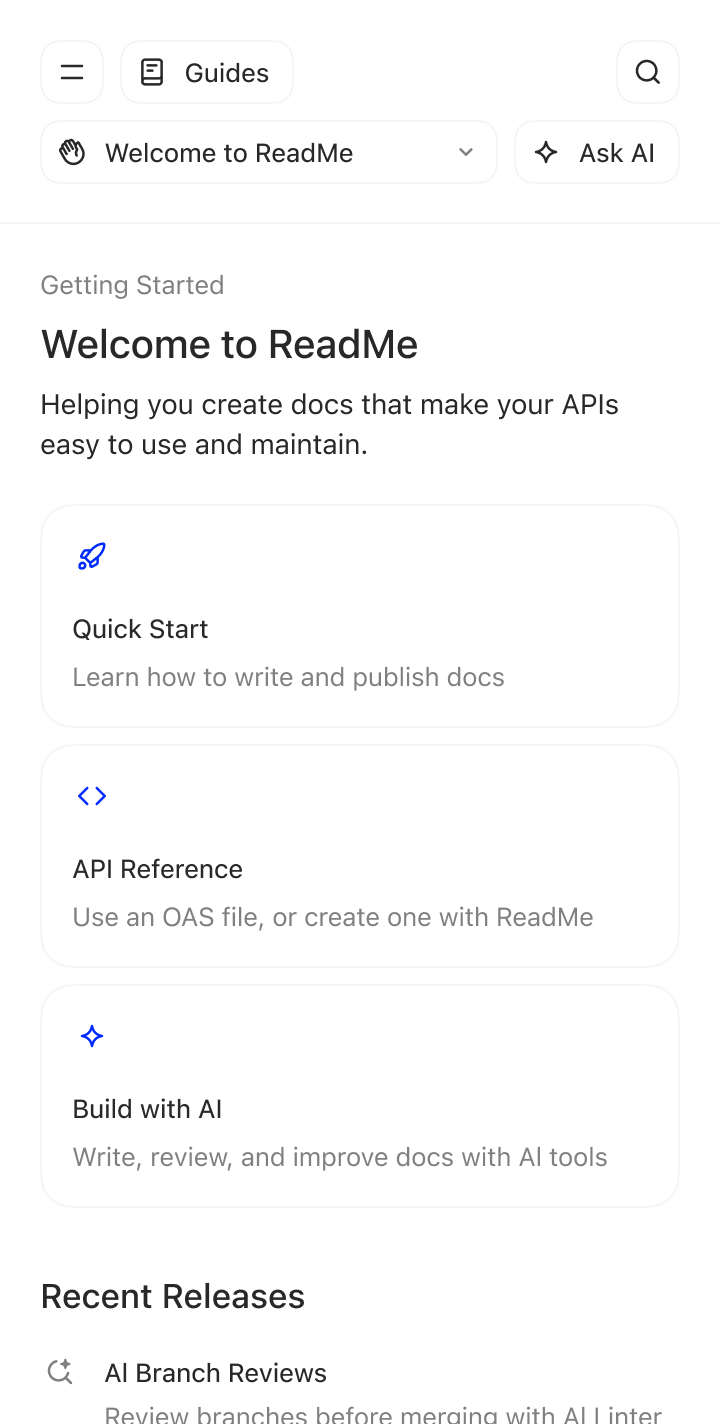
Hey there! Helping you create docs that make your APIs easy to use and maintain. What can I help you with?
ConnectorConnectorOUR CUSTOMERS

Trusted by teams who know good docs drive adoption

NVIDIA, Amazon, PagerDuty, and thousands of other teams trust ReadMe to turn their documentation into a product developers actually want to use
Decorative CurveConnectorConnectorThe Full Stack
Everything to
build great docs
XFX
“I am loving ReadMe! It was so easy to build and deploy our docs, and the team is really happy with the results thus far.”
Andrea Madero
Head of Product @XFX
Behind the Scenes
Designed for your team, built for your workflow
gridgrid
workflowworkflow
gridgrid
workflowworkflow
ConnectorConnectorCreating Docs
Write in the
browser, or your IDE or our AI writer
Write your docs in WYSIWYG editor
Open our WYSIWYG editor and drag, drop, and style your docs with interactive elements. What you see is exactly what your users get.
Bars
Globe
developers.yourcompany.com
Gears
Question Mark
View
Edit
Editor Toolbar
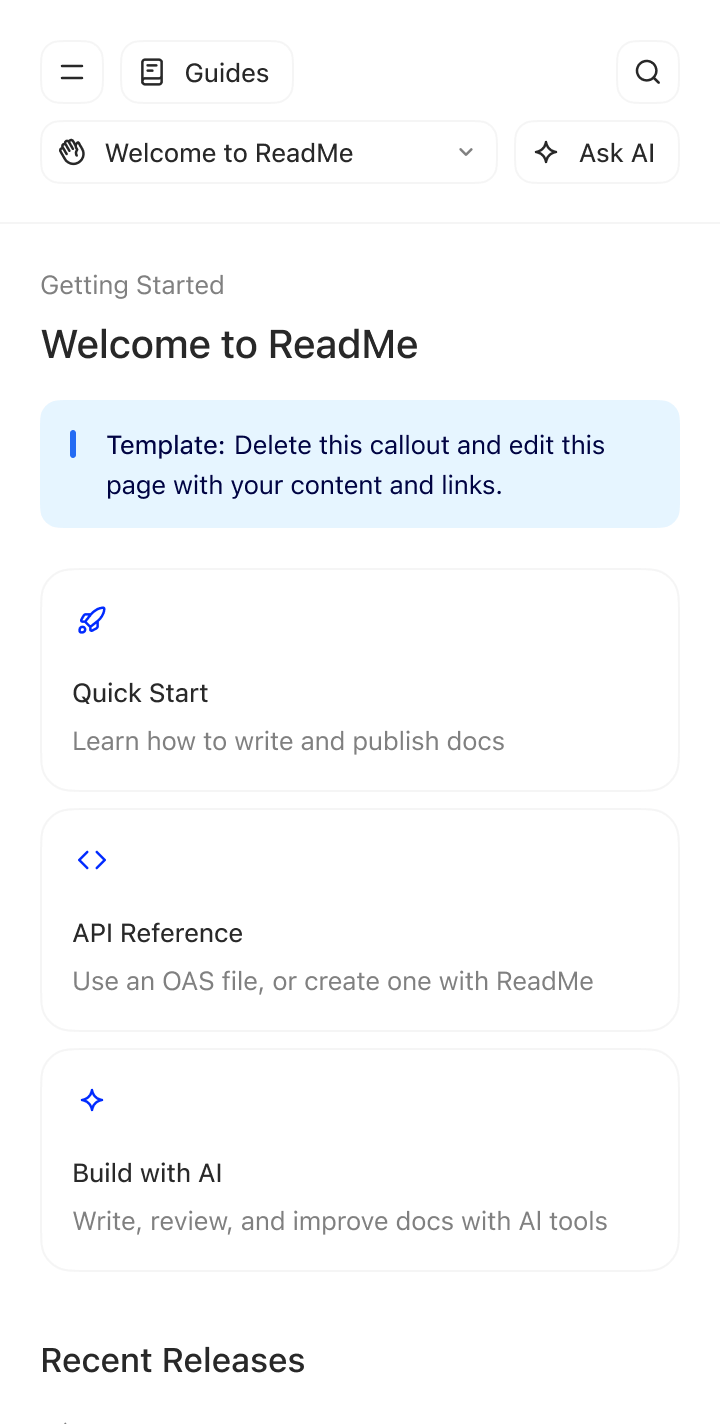
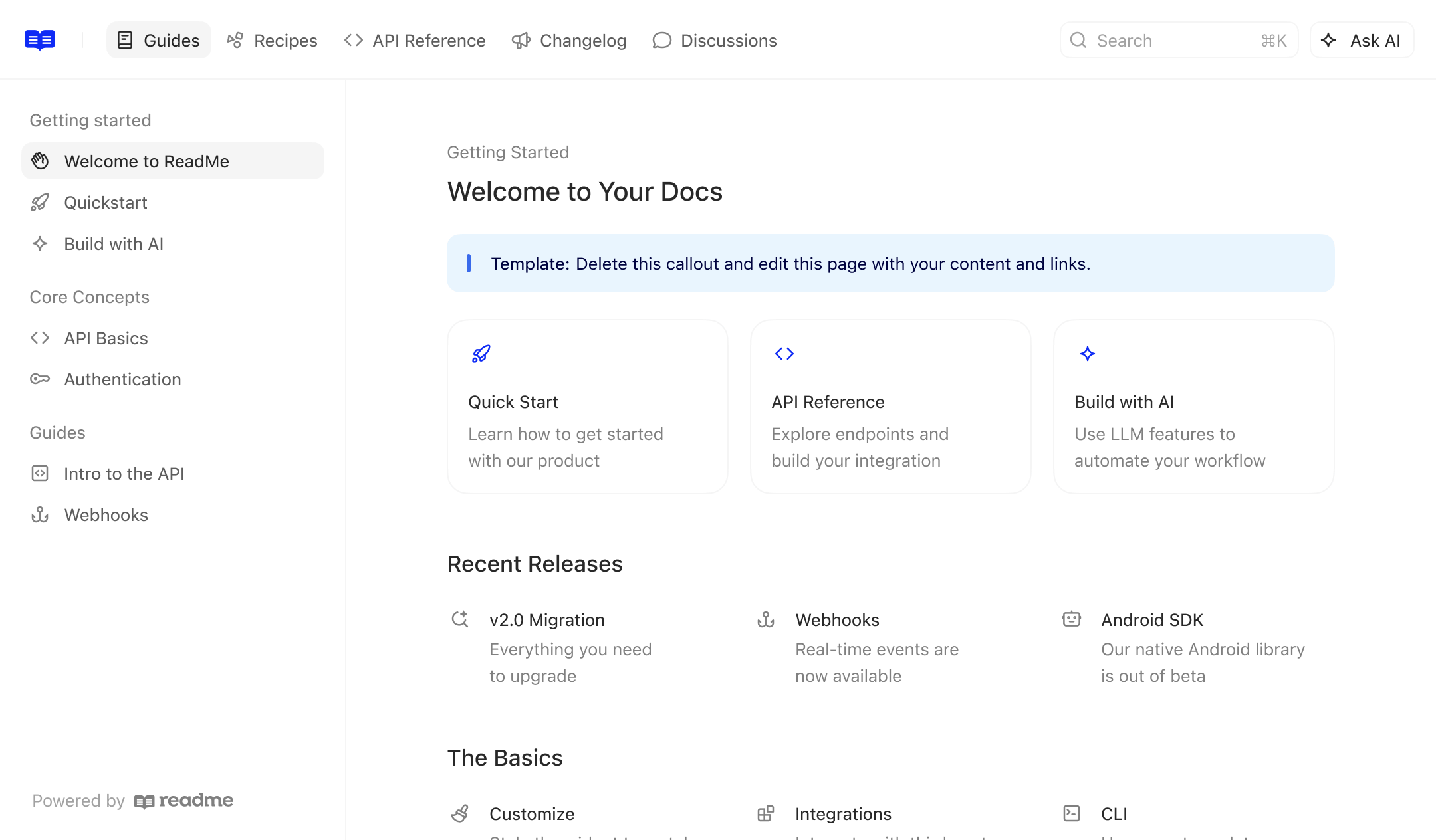
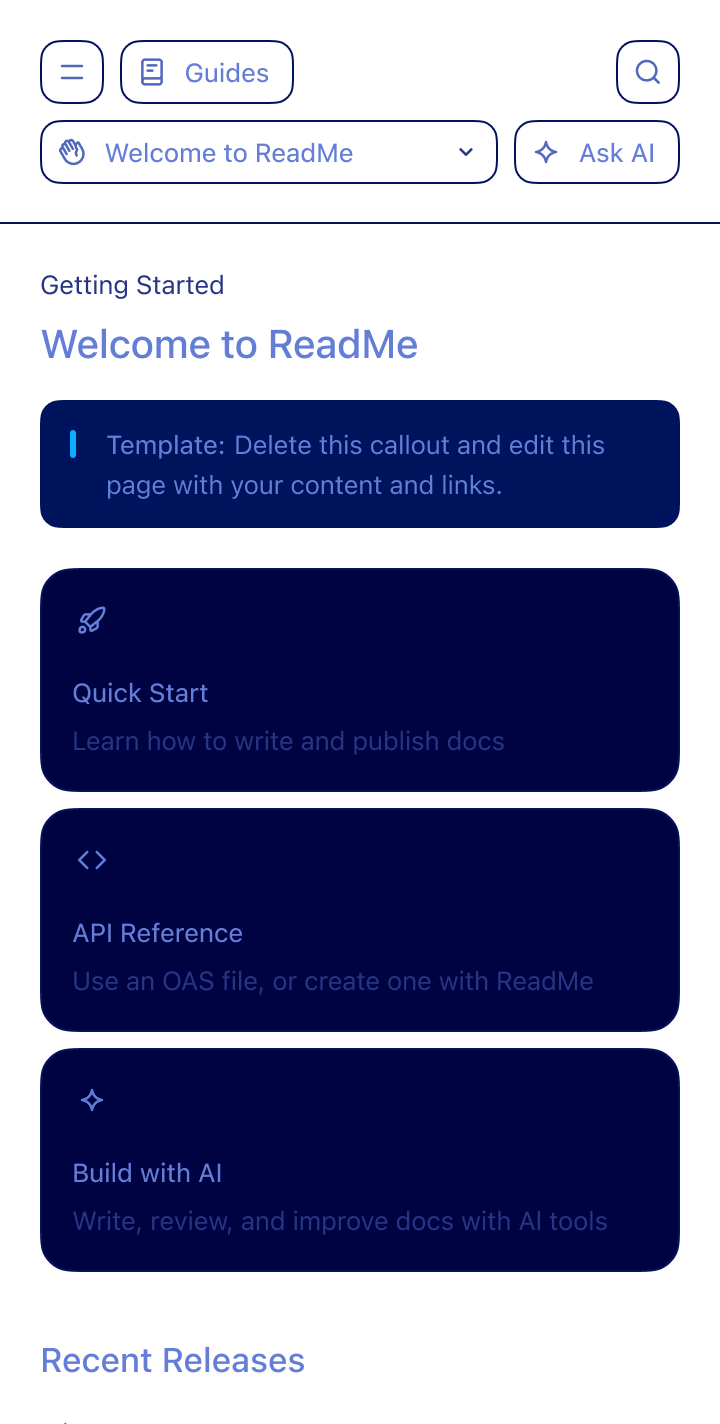
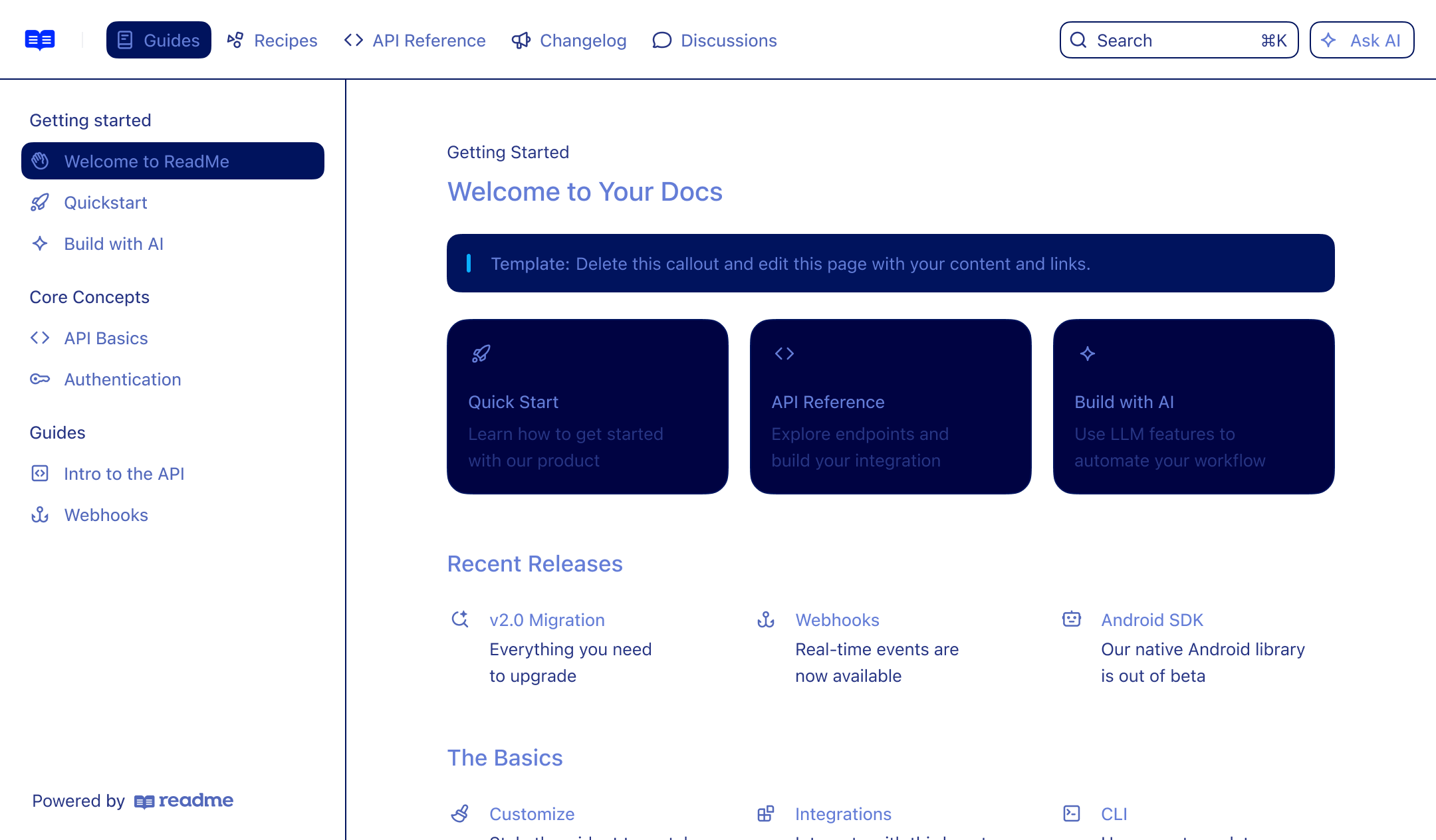
Getting Started
Welcome to your docs
Helping you create docs that make your APIs easy.
Type markdown or / to insert a block
Quick Start
Learn how to get started with our product
API Reference
Explore endpoints and
build your integration
Theme Select
Developers Git Icons
Works
where you do
Bi-directionally sync with GitHub, GitHub
Enterprise Server, and GitLab. Review, approve,
and merge Git branches directly in ReadMe.
$ git clone git@github.com:readme/docs.git
Git Icon
Bars
request-and-owl.mdx
create-your-project.mdx
Sidebar Icon
1## Create Your Project 🎨
2
31. Sign into your ReadMe account
42. Click **Create New Project**
53. Name your project to match your API
64. Upload your logo (we'll match your brand colors automatically!)
75. Choose your subdomain (e.g., yourcompany.readme.io)
8
9<Callout icon="☝️" theme="default">
10  **Migrating from another platform?** Check our [migration guide](https://docs.readme.com/main/docs/migration-moving-your-docs-to-their-new-home) for a smooth transition.
11</Callout>
12
13## Navigate Your Dashboard 🧭
14
15Your dashboard is mission control for all documentation tasks. Here's what you need to know:
16
17### For Beginners
18
191. **Dashboard Overview**
20   * View all your projects in one place
21   * Check recent activity and basic metrics
22   * Access everything from this central hub
23
242. **Basic Navigation**
25   * Use the left sidebar for quick section access
26   * Switch between edit and view modes easily
27   * Find project settings in the top menu
28
29### For Intermediate Users
30
313. **Project Configuration**
32   * Customize project details in the settings menu
33   * Set up team access and permissions
34   * Configure integrations for your workflow
35
36## Manage Your Profile 👤
37
38Personalize your ReadMe experience with these profile settings:
39
401. **Profile Setup**
41   * Click your avatar (top-right corner)
42   * Update your name and profile picture
43   * Add your role and contact details
44
452. **Security & Preferences**
46   * Enable two-factor authentication (2FA)
47   * Set notification preferences
48   * Generate API keys for programmatic access
49
503. **Team Features**
51   * Invite team members to collaborate
52   * Assign roles based on responsibilities
53   * Build an efficient documentation workflow
54
55## Search and Organize Projects 🔍
56
57Keep your projects organized and accessible:
58
591. **Search Features**
60   * Use the top search bar for quick project lookup
61   * Filter by name, status, or team
62   * Save time with smart search suggestions
63
642. **Organization Tips**
65   * **Beginners**: Start with simple naming conventions
66   * **Advanced**: Use tags for complex categorization
67   * Archive inactive projects to reduce clutter
68
693. **Quick Navigation**
70   * Access the project dropdown for fast switching
71   * View status indicators for each project
72   * Use the history menu for recent projects
73
74<Accordion title="Pro Tip: Keyboard Shortcuts" icon="keyboard">
75  Speed up your workflow with these shortcuts:
76
77  * `Cmd/Ctrl + K` - Quick search
78  * `Cmd/Ctrl + /` - Toggle sidebar
79  * `E` - Enter edit mode
80</Accordion>
81
Quote ConnectorQuote Connector
Git integration is amazingGit integration is amazing - gives direct full access to our docs that's super handy since now we can create pull requests to documentation when creating new features that need to be documented.
Cisco Developer Network
AI. [01]
Score
7.3 / 10
Fix all
Enforce your style
guide on every page
Check every page against your custom style guide automatically.
Define custom rules for errors and warningsDefine custom rules for errors and warnings
Automatically detects broken links by defaultAutomatically detects broken links by default
Fix flagged issues instantly with the AgentFix flagged issues instantly with the Agent
AI. [02]
9a196b2
Connector
chore: auto-fix lint, prettier, and type errors
ReadMe Icon
ReadMe AI Writer
Bot
Updated the setting-up-custom-domain documentation page based on this pull request.
View all changes in ReadMe
6ca83cf
Connector
feat: introduce API rate limiting
ReadMe Icon
ReadMe AI Writer
Bot
Updated the rate-limits documentation page based on this pull request.
View all changes in ReadMe
Automatically update
docs when code changes
AI Writer proposes doc updates when your code changes.
AI analyzes pull requests and drafts doc updatesAI analyzes pull requests and drafts doc updates
Changes land on a review branch, not live docsChanges land on a review branch, not live docs
Silent when no updates are neededSilent when no updates are needed
Review
Started review·John Doe
Pending approval
Checkmark
Approve changes
Review
Started review·Jane Smith
Pending approval
Checkmark
Approve changes
Review
Started review·Jim Beam
Pending approval
Checkmark
Approve changes
Review changes
before merging
AI Linter catches errors before you mergeAI Linter catches errors before you merge
Request teammate approval on any branchRequest teammate approval on any branch
Enterprise teams can enforce review requirementsEnterprise teams can enforce review requirements
Paylocity
“I set up the AI Linter and I want to say that is a fantastic addition to ReadMe ’s platform.”
James Roettger
Senior Product Manager @Paylocity
Everything you need to create the docs
AI. [03]
backgroundbackground
Collaborate across teams and tools
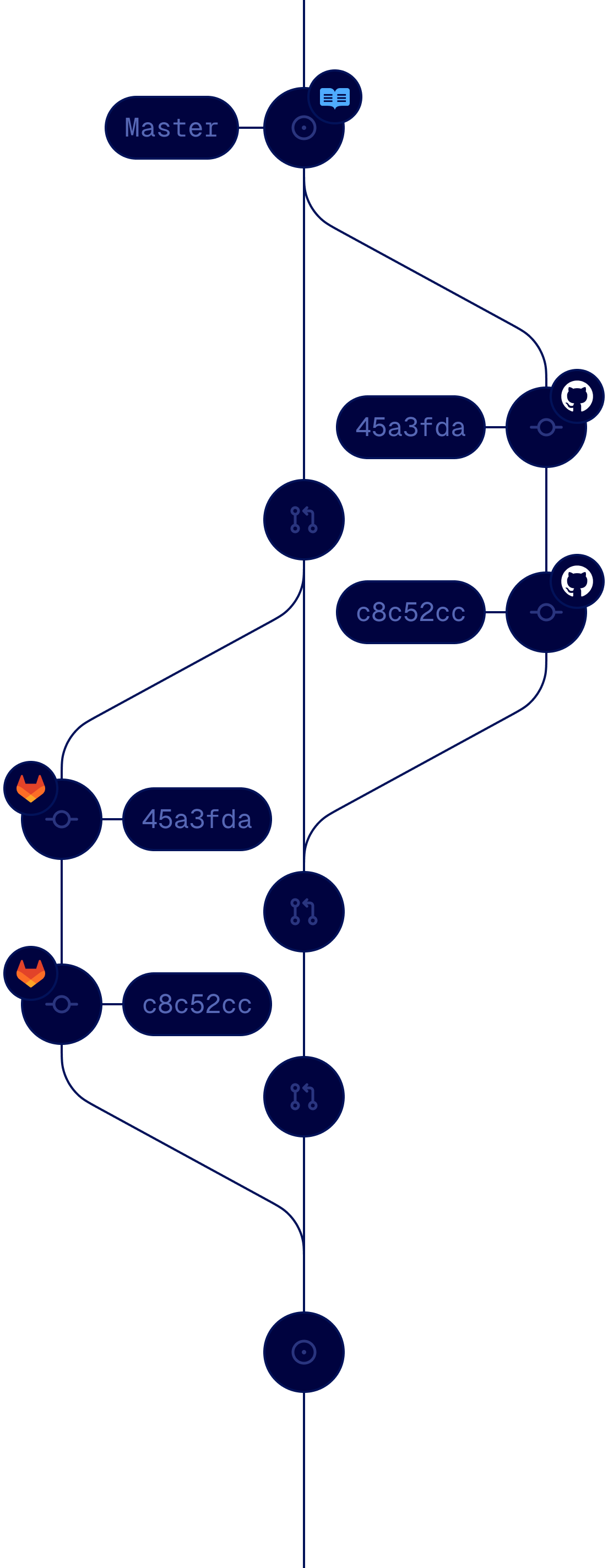
Multiple people can work simultaneously in ReadMe or their IDE, safely behind branches. Whether you're using ReadMe or Git.
Branches let you save changes without publishingBranches let you save changes without publishing
Review and merge edits across multiple pagesReview and merge edits across multiple pages
Teammates can view, edit, merge, and deleteTeammates can view, edit, merge, and delete
AI. [04]
content
Reusable
Reusable
Sign up for an account
Create a new project
Generate API key
<Checklist/>
<Checklist/>
<Cards/>
<Cards/>
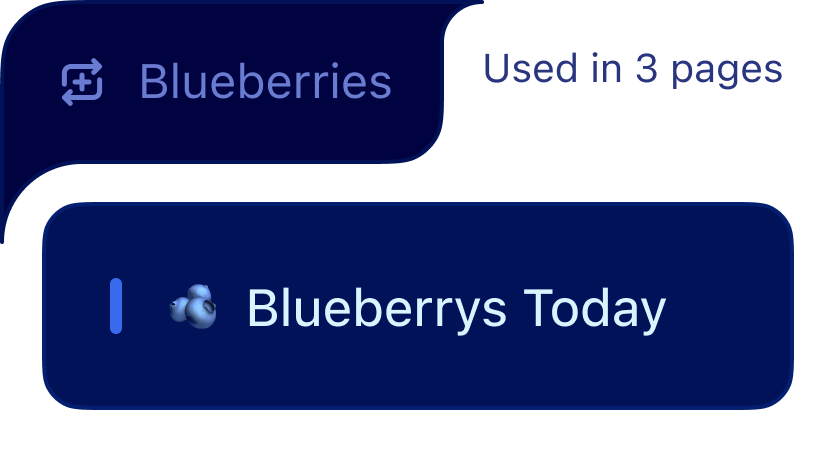
Build interactive, reusable <components/>
Create reusable content blocks of Markdown, accordions, card, and banners that update across all pages simultaneously.
Add interactivity beyond plain text.Add interactivity beyond plain text.
Edit once, update everywhere.Edit once, update everywhere.
Customize components from our MarketplaceCustomize components from our Marketplace
AI. [05]
OAS File
Swagger
ReadMe
Interactive docs from
your API spec
Upload your Open API spec and ReadMe generates a dynamic API Reference with
code samples and auth handling.
Drag and drop files or import via URLDrag and drop files or import via URL
Connect directly to GitHub or GitLab repositoriesConnect directly to GitHub or GitLab repositories
Automate syncing with CLI or API SyncAutomate syncing with CLI or API Sync
AI. [06]
{
"info": {
"title": "Single Path"
},
"servers": [
{
"url": "https://httpbin.org"
}
],
"paths": {
"/pet/{id}": {
"parameters": [
{
"name": "id",
"in": "path",
"required": true,
"schema": { "type": "integer" }
}
],
"put": {
"summary": "Update a pet",
"description": "This operation will update a pet in the database.",
"security": [{ "apiKey": [] }]
},
"get": {
"summary": "Find a pet"
}
}
},
"components": {
"securitySchemes": {
"apiKey": {
"type": "http",
"scheme": "basic"
}
}
}
}
SINGLE PATH > PET
PUThttps://httpbin.org/pet/{id}
Update a pet

This operation will update a pet in the database.

GETFind a pet
Path Params
idintegerrequired
Build API references, no spec required
Build your API reference from scratch using ReadMe's visual API Designer. Point, click, publish. No YAML or JSON required.
Document endpoints without writing any codeDocument endpoints without writing any code
Define parameters, requests, and errorsDefine parameters, requests, and errors
No OpenAPI specification needed to startNo OpenAPI specification needed to start

AI. [07]
listlist
listlist
Scale your
docs globally
Publish and manage multi-language docs in one hub. Built-in localized navigation and search make supporting worldwide.
Scale your docs globallyScale your docs globally
Publish and manage multi-language docsPublish and manage multi-language docs
Built-in localized navigation and searchBuilt-in localized navigation and search
AI. [08]
Terminal
~ %
Write docs with ReadMe's MCP Server
Update your docs from Claude Code, Cursor, or CI. Give your agent full read and write access to your documentation.
Create and manage pages with promptsCreate and manage pages with prompts
Generate changelogs on every new releaseGenerate changelogs on every new release
Build style guides from top-performing pagesBuild style guides from top-performing pages


Socure
Out-of-the-box features that actually move the needle, collaborative editing for every product team, and bi-directional sync. ReadMe was the obvious choice for getting to best-in-class developer experience.
Harish Srigiriraju
Head of Dev Experience @Socure
ConnectorConnector
200 Okay
API documentation that actually helps developers build
Auto-generate an interactive API explorer from your OpenAPI spec, surface API keys directly in your docs, and give developers everything they need to make
Total API Calls
100
Error Rate
23.9%
Status
Method
Path
Email
API Key
200
POST
/api/v1/billing
drew.patel@mail.io
・・・・eR8k
500
POST
/api/v1/webhooks
skyler.reed@sample.dev
・・・・F6d0
200
PUT
/api/v1/projects
r.park@contoso.app
・・・・3nWz
401
GET
/api/v1/users
drew.patel@mail.io
・・・・eR8k
D
Drew Patel
Active 15 min ago
Send email
Overview
Time to 200
487ms
Error rate
20.0%
Top Endpoints
GET
/api/v1/users
20%
GET
/api/v1/webhooks
10%
DEL
/api/v1/billing
10%
Top Errors
404-Not Found
10%
401-Unauthorized
10%
ConnectorConnector
ENTERPRISE-READY
Enterprise-ready docs, out of the box
Everything your team needs to ship docs at scale. Granular permissions, SSO, audit logs, migrations, and multilingual support built in.
G
Grace Hopper
2FA
Role-based
access controls
Control who can view, edit, and
publish with granular permissions.
AICPA
SOC2
star
star
star
star
star
star
star
star
star
star
star
star
GDPR
SOC2
& GDPR
Audited, certified, and ready for review.
Compliance your security team trusts.
Sign in
Microsoft Entra ID
Google Workspace
Okta Workforce
SSO
integration
Connect your existing identity
provider for seamless single sign-on.
Audit logs for
accountability
Track every change across your
docs with detailed audit logs.
Translations to
globally scale
Publish and manage docs in multiple languages to reach customers worldwide.
HTTP
.OAS
.PDF
HTTP
.OAS
Migration
services
Moving from another platform?
Our team handles the migration.
Roku
“Our product launch went well. Our docs are live and we had no issues. Much thanks to you and Erdman for your help!”
Nick Amadeo
Technical Writer @Roku
Connector
Everything to Build Great Docs
Connector
The Full Documentation Stack
Decorative CurveReady?
Get a preview
of your docs
Decorative CurveConnectorConnectorCustomer Sites
Where great docs come from
Powered by
docs.api.nvidia.com
ConnectorConnector
MSA